
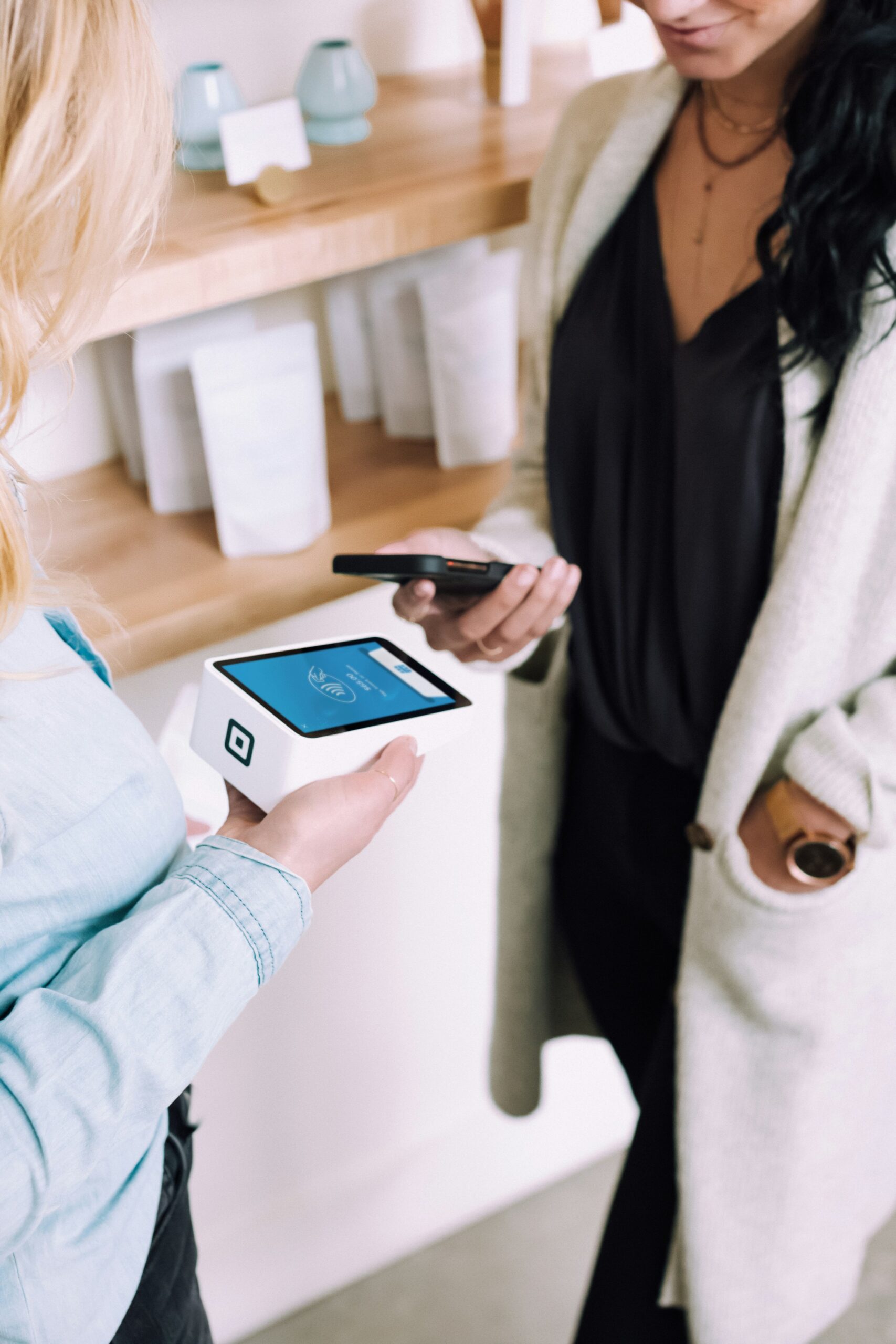
When it comes to keeping your money safe, how you use your debit card can make a surprising difference. If you’re still inserting your chip card into payment terminals, it’s time to consider switching to tap-to-pay or a mobile wallet. Not only are these methods faster and more convenient — they also offer stronger protection against fraud.
Here’s why you should make the switch:
Tap and Mobile Wallet Payments Use Encrypted, One-Time Codes
When you use tap-to-pay or a mobile wallet like Apple Pay or Google Pay, your actual card number is never shared with the store. Instead, the system uses a unique, one-time code for each transaction. Even if someone tried to intercept that data, it would be useless for future purchases.
In contrast, using the chip still transmits your actual card number. While it’s more secure than the old magnetic stripe, it’s not as advanced as the encryption used in mobile wallet and tap-to-pay technology.
Less Contact, Less Risk
With contactless payments, there’s no need to hand your card to a cashier or touch a terminal that thousands of others have used. That reduces both physical tampering risks and skimming devices that can steal your data.
Mobile Wallets Add an Extra Layer of Protection
Your mobile wallet is often protected by biometric security — like fingerprint or face recognition — or your phone’s passcode. So even if you lose your phone, no one else can make a purchase without your permission.
Faster Transactions, Less Time at Risk
Because tap and mobile payments are so quick, you’re spending less time at the checkout, where card information could be compromised by hidden skimmers or fraudsters watching your activity.
Tip: Set It Up Once—Then Just Tap & Go!
Setting up your card in a mobile wallet is easy — and once it’s done, you’ll have a secure, convenient way to pay that goes with you everywhere.
How to Get Started:
- For Mobile Wallet: Open Apple Wallet or Google Wallet, follow the prompts to add your Penlanco FCU debit card, and complete verification.
- For Tap-to-Pay: Look for the contactless symbol at the terminal. Just tap, wait for confirmation, and you’re done.
Still have questions about mobile wallet safety or how to get started? Stop by or give us a call—we’re always happy to help keep your banking both easy and secure.